 AI Rap Video
Original reel by @tramthoigian_01, 10 s
King Jin AI Video Generator
The crowd bows, you take the lollipop out and walk in like a boss.
10 s · 4:3 · One clear front face · ~10 min · AI rap video generator pricing
- Clear front face
- Group photo
- Side face
- Sunglasses
This is an unofficial fan-made template for the King Jin AI trend. It is not affiliated with CapCut, TikTok, @tramthoigian_01, @xdwshfzqi0k, hardangel or any other creator in the trend.
AI Rap Video Generator at a glance
Best for putting yourself, a friend or your pets into viral rap moments like the orange-booth rap duo or the Bulin 47 freestyle, from your own photos, paid once, no sign-up.
- Input
- Two photos: two people, two pets, or you and your pet, for AI Rap Duo; one clear face photo for Bulin 47 or Tiny Desk; two cat photos, one cat per photo, for Smalltown Boy Cats; one full-body photo of you for the middle dancer, plus up to two friends or default dancers, for Babydoll Dance; one full-body photo of yourself for Patrick Swayze Dance; one clear photo of yourself from the waist up, smiling, with both arms in the frame, for Bicep Heart; two photos for Duo and Pet, or one photo of you for Solo, for Christmas Dance; one photo of you for Sheru Bhai or King Jin; two photos for Duo, or one full-body photo of you for Solo, for Winter Wonderland Dance; two photos for Duo, or one photo of your pet for Pet, for Dip On Em Dance; one clear photo of you from the waist or knees up, facing the camera, for GTA 6 Loading Screen; one photo of you, or one photo of your pet, for Dance With Santa; one photo of you in a shirt for Huss Huss Huss.
- Output
- One 9:16 vertical video, about 6–21 seconds depending on the template, standard 480p (delivered as an upscaled file) or HD 720p, except AI Rap Duo and Sheru Bhai at 720p only, no watermark. King Jin AI is 4:3 landscape, like its original reel, and delivered at the size it is made. AI Rap Duo and Tiny Desk are silent only. Bulin 47 and Huss Huss Huss include generated sound following their audio reference; Smalltown Boy Cats, Babydoll Dance, Sheru Bhai and GTA 6 Loading Screen include AI-generated music. Bulin 47, Huss Huss Huss, Smalltown Boy Cats, Babydoll Dance, Sheru Bhai and GTA 6 Loading Screen also include a silent version with no audio track. Huss Huss Huss also includes an original-sound version for personal sharing. Patrick Swayze Dance, Bicep Heart, Christmas Dance, Winter Wonderland Dance, Dip On Em Dance, Dance With Santa and King Jin include a silent version and an optional original-sound version for personal sharing. Original music is included only in templates that offer an original-sound version for personal sharing.
- Speed
- Usually ready in about 10 minutes.
- Price
- One-time credit packs, no subscription; credits never expire. Each template uses its own number of credits per video, from 50 to 200; HD uses more. Every template page shows its price. Your first standard video is $9.99 to $19.99, the cheapest pack that covers it; HD costs more where offered. 100 credits $9.99; 300 credits $26.99 (save 10%); 1,000 credits $79.99 (save 20%); 3,000 credits $199 (save 34%). Euro area from €9 and UK from £8.
- If it fails
- A video that fails to generate returns its credits automatically.
- Sign-up
- None. The link to your videos is emailed to the address you pay with.
How we compare: Best AI rap video generators
Making it for someone’s birthday? Birthday rap video gift
What is King Jin AI?
King Jin AI is a TikTok trend from a CapCut template; its biggest post had 5.5 million views by Nov 25, 2026. Add one photo and the bowing crowd is yours.
King Jin AI is a TikTok trend that started as a CapCut AI template in November 2026: one photo becomes a short powerful-entrance clip. A crowd bows to you on a night street, you take a lollipop out of your mouth, walk a blue corridor and end on a city skyline, in four quick shots. By November 25, 2026 the biggest King Jin post had 5.5 million views. This King Jin AI video generator puts your photo into @tramthoigian_01’s reel from the trend: you take the lead’s place, and the shots, the crowd and the timing stay.
Also called: King Jin AI trend, King Jin AI video, King Jin powerful entrance, King Jin CapCut template.
Where it came from
- : @tramthoigian_01 posts “Trend AI King Jin”, a 10-second single-person result from the CapCut template: a crowd bows on a night street, a lollipop close-up, a blue corridor and a skyline. (TikTok)
- : @xdwshfzqi0k posts two King Jin results and a CapCut how-to set to “KIAT JUD DAY HARDTEKK (TikTok Version)” by hardangel; it reaches 5.5 million views, 309,000 likes and 40,300 shares by November 25. (TikTok)
- : An Indonesian YouTube tutorial, “Cara Edit Video Ai King Jin Trend Di Tiktok”, shows how to edit the King Jin video. (YouTube)
Where this rap moment comes from
The posts that started it, embedded from each platform.
“Trend AI King Jin”
A single-person result from the CapCut template: the crowd bows on a night street, a lollipop close-up, a walk down a blue corridor and a skyline. This template copies this reel.
Original by @tramthoigian_01 on TikTok, Nov 13, 2026. Embedded from TikTok.
Two King Jin results, a woman and a man, followed by a how-to for the CapCut template, set to “KIAT JUD DAY HARDTEKK (TikTok Version)” by hardangel. 5.5 million views by Nov 25, 2026.
Original by @xdwshfzqi0k on TikTok, Nov 13, 2026. Embedded from TikTok.
Try another template
Pick one and add your photo.
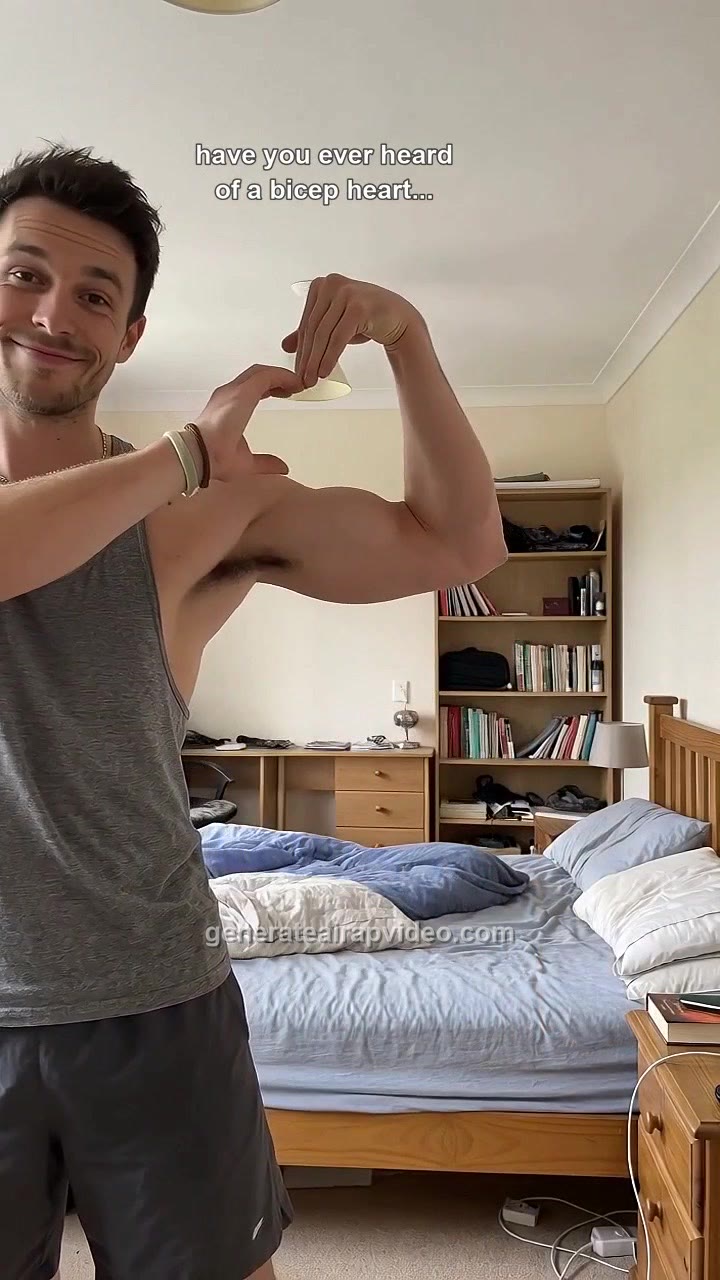
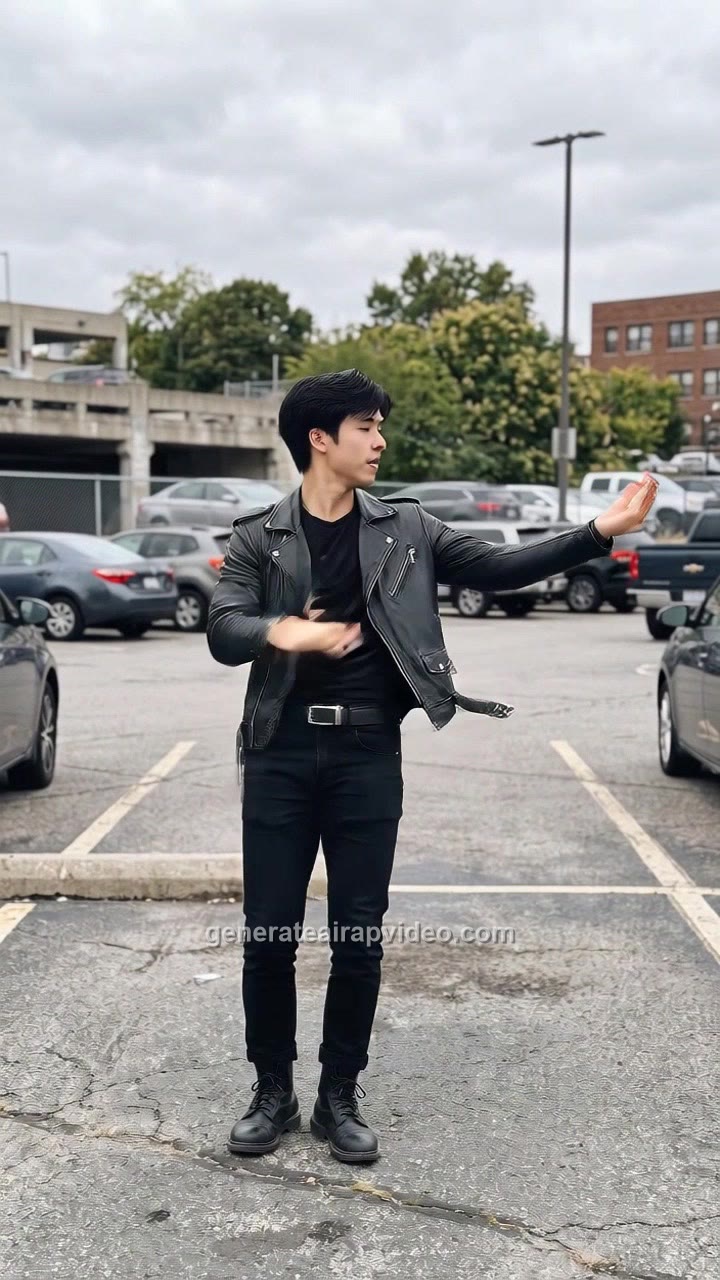
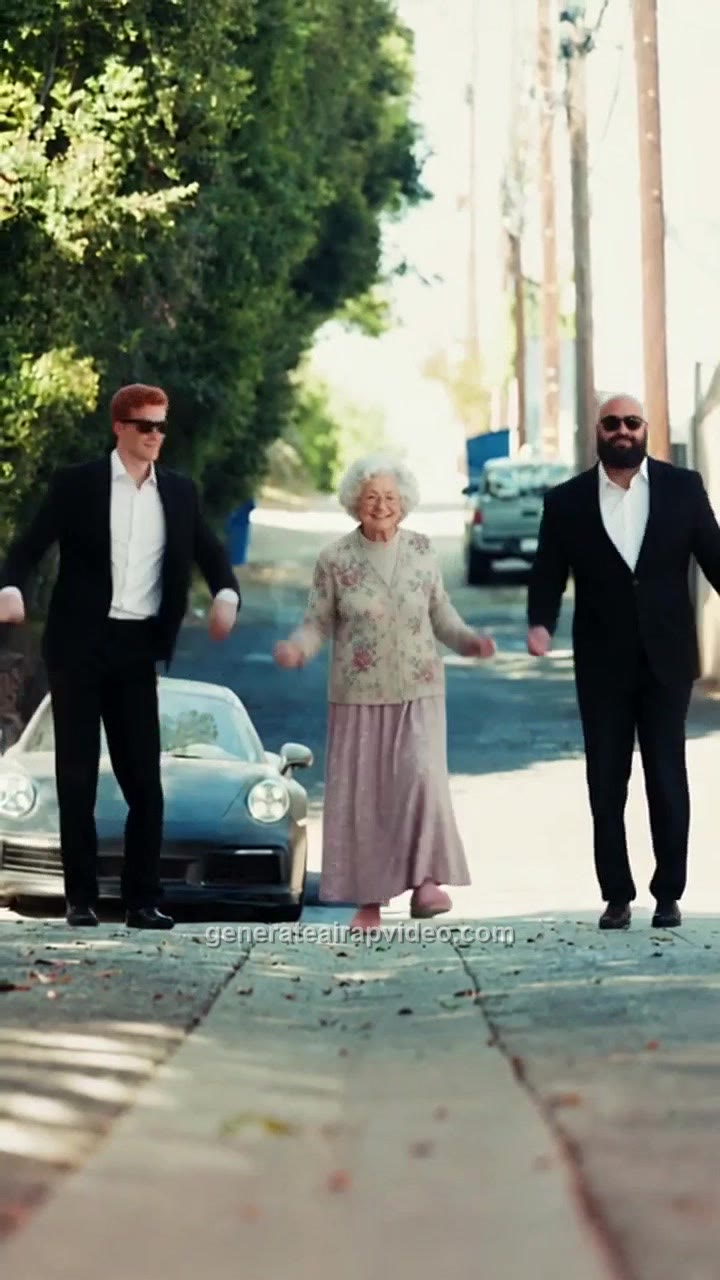
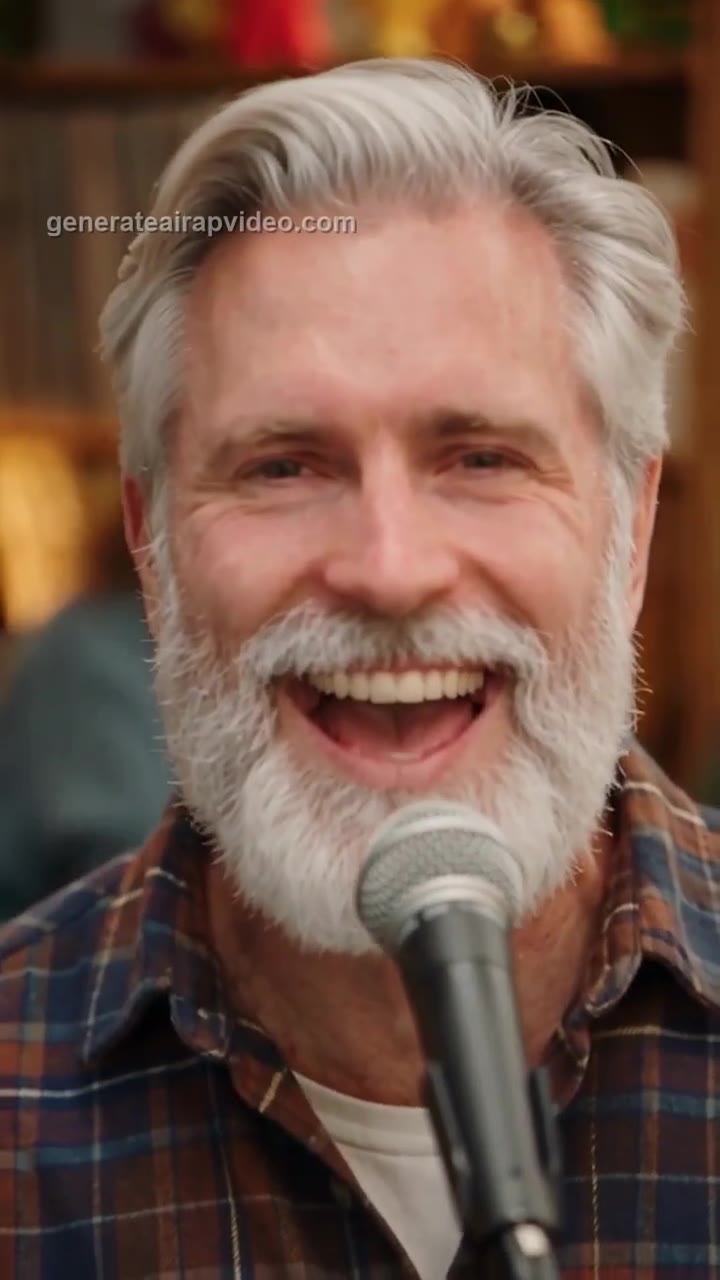
Which photo works best?
- One adult, chest-up or waist-up, face sharp and toward the camera. You take the lead’s place and keep the clothes from your photo; the crowd and the places stay from the reel.
King Jin AI shots, in order
The King Jin video is four quick shots cut on the beat, about 10 seconds in all, in the 4:3 landscape frame of the original reel:
- You stand still on a neon night street, a lollipop stick in your mouth, while the people around you bow deeply
- Close-up: you take the lollipop out and give the camera a small smile
- A blue corridor: hands in pockets, you walk toward the camera
- Against a city skyline, you close your eyes and turn your head away
How to make the King Jin AI video
You do not need CapCut, a prompt or a camera. The template already has the street, the bowing crowd, the corridor, the skyline and the timing; your photo decides who walks in.
- Add one photo of yourself, face sharp and toward the camera.
- Choose standard or HD and pay once. There is no preview step: your photo goes straight into the video.
- Wait about 10 minutes. The video appears on the page and we email you the link.
- Download the version with the sound, or the silent one to post with the TikTok sound.
What the AI changes and what it keeps
Your face, hair, skin tone and clothes come from your photo, and you take the lead’s place in every shot. The street, the bowing crowd, the corridor, the skyline, the camera and the cuts stay as in the reel; the black track jacket from the original and the background in your photo will not appear.
The video keeps the original reel’s 4:3 landscape frame, so nothing is cropped off the sides. TikTok shows it with bars above and below.
Prompt direction
You don’t need it here: your photos are enough. If you want to try it yourself, this is the direction.
The adult from one photo becomes the boss of a four-shot entrance, dressed in what they wear in the photo. Passers-by fold at the waist while they stand still under neon, then a candy close-up, a stroll down a teal hallway and a high-rise view to finish.
Moves by second
| Time | Move |
|---|---|
| 0–3 s | You stand still on a neon night street, a lollipop stick in your mouth, while the people around you bow deeply |
| 3–5.7 s | Close-up: you take the lollipop out and give the camera a small smile |
| 5.7–8.5 s | A blue corridor: hands in pockets, you walk toward the camera |
| 8.5–10 s | Against a city skyline, you close your eyes and turn your head away |
How it's made
- King Jin AI: 1 photo (1. You, walking in) · Seedance 2.5 · 10 s · same frame as the original clip · original sound or silent · 130 credits ($12.99 the first time)
Make it by hand
Want to try it yourself? Start from this model, these settings and this prompt. Results depend on your photos and on the model, so they can differ from the samples on this page.
- Save the original clip by @tramthoigian_01 on TikTok. It is Video 1. If it runs longer than about 10 s, trim it to the part you want to copy.
- Choose one clear photo of the person (You, walking in).
- Open Seedance 2.5 in its reference mode and attach Video 1 first, then the photo.
- Paste the prompt below and generate. The length follows Video 1 (about 10 s).
- The video comes out silent. Add the original sound in TikTok when you post it.
Prompt
Video 1 is the template. Follow it closely: camera, pacing, every move. Setting: four shots: a neon night street where the crowd bows, a street close-up with a lollipop, a cool blue corridor with glass doors and stairs, and a pale city skyline.
Swap the performer for the person in my photo:
- Image 1 replaces the person in the middle, wearing the clothes from that photo.
Take the face, hair and build from my photo. Keep the face easy to see until the last frame.
Sound options
- With the original sound
- Silent, for posting with the TikTok sound
Add the official sound in TikTok
- Download the silent version of your video.
- In TikTok, open any King Jin video, tap the sound at the bottom and tap Add to Favorites.
- Tap +, upload your video, tap Add sound and pick the sound from Favorites.
- Post. Your video shows the trend’s sound and joins it on its sound page.
FAQ
What is the King Jin AI trend?
A TikTok AI trend that started as a CapCut template in November 2026: from one photo, you get a powerful entrance. A crowd bows to you on a night street, you take a lollipop out of your mouth, walk a blue corridor and end on a city skyline. The biggest post had 5.5 million views by November 25, 2026. People also call it King Jin AI trend, King Jin AI video, King Jin powerful entrance and King Jin CapCut template.
Which video does this template copy?
@tramthoigian_01’s November 13, 2026 reel “Trend AI King Jin”, a single-person result from the CapCut template, with four shots: the bowing crowd, the lollipop close-up, the blue corridor and the skyline. You take the lead’s place; the shots, the crowd, the camera and the timing stay.
What song is it?
The biggest King Jin post is set to “KIAT JUD DAY HARDTEKK (TikTok Version)” by hardangel. The single-person reel this template copies carries its sound as an original sound by Trạm Thời Gian. The music belongs to its owners.
What does “King Jin” mean?
No post we read explains the name. It is the name the CapCut template and the trend go by; we could not confirm where it comes from.
What photo do I need?
One photo of one adult, face sharp and toward the camera, chest-up or waist-up. Your face, hair and clothes come from the photo, so a dark jacket fits the look. JPEG, PNG or HEIC up to 10 MB. No groups, sunglasses, public figures or anyone under 18.
How long is the video, and what shape?
About 10 seconds, in 4:3 landscape like the original reel, not cropped to vertical. Standard is generated at 480p; HD is generated at 720p for a sharper face.
Does it have the sound?
You get two versions of the same video: one with the original reel’s sound, and a silent one for posting with the TikTok sound. Original sound belongs to its owner. For personal sharing; when posting, use the sound from the app’s library.
What does it cost?
130 credits a video. Your first purchase is a 130-credit pack for $12.99, exactly one video; HD uses 280 ($26.99). Pay once, no subscription or sign-up.
How long does it take?
Usually about 10 minutes after you pay. Keep the page open or come back from the link we email to the address you paid with. If a technical failure stops the run, the video credit is returned to your order automatically.
Is this official?
This is an unofficial fan-made template for the King Jin AI trend. It is not affiliated with CapCut, TikTok, @tramthoigian_01, @xdwshfzqi0k, hardangel or any other creator in the trend. The reels on this page are the original TikTok posts, embedded from TikTok with credit; the reel this template copies was itself made with the CapCut AI template. Every video made here is AI-generated and should be shared as AI.